
A rap for your best friend
Try: “Maya and Jo, friends since college, still arguing about who makes the best road-trip playlist.”
Your photos. Your own rap moment.
Turn photos of you and a friend into a personalized rap video. Add your names or an occasion, choose a stage, and check the credit cost before you create.
Start with your photos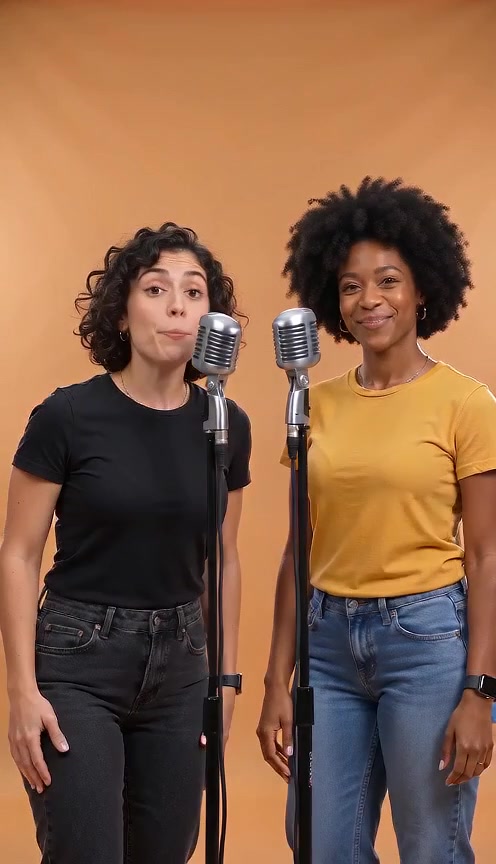
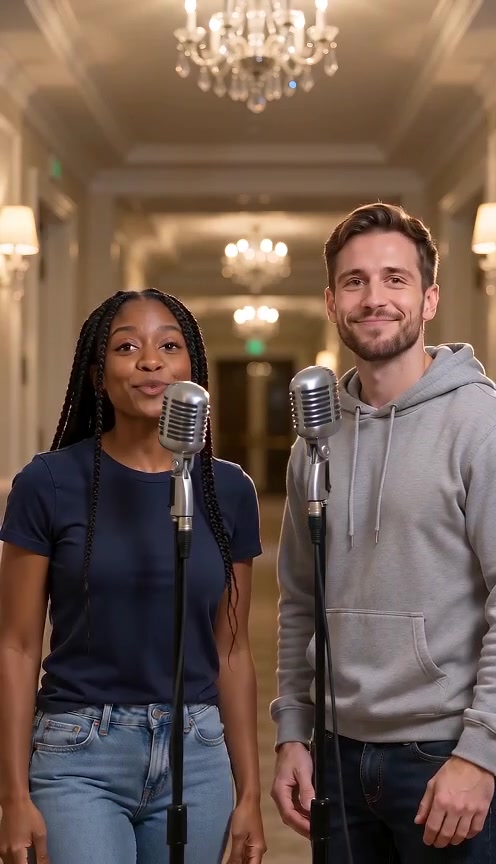
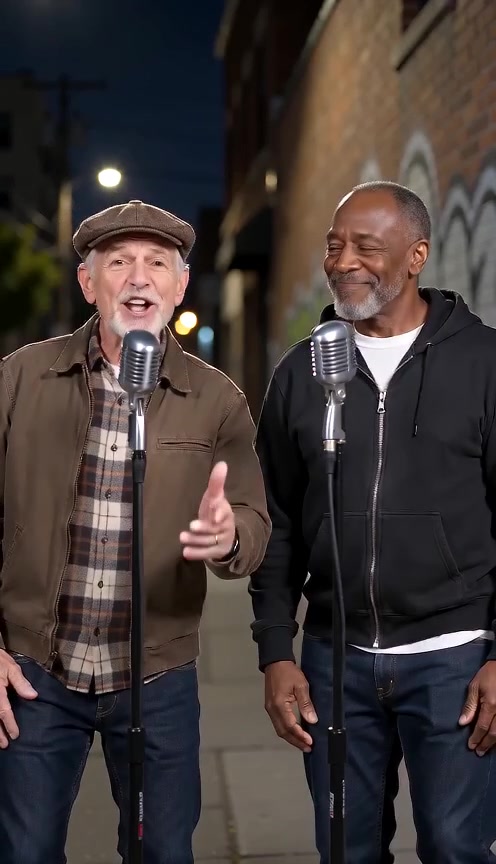
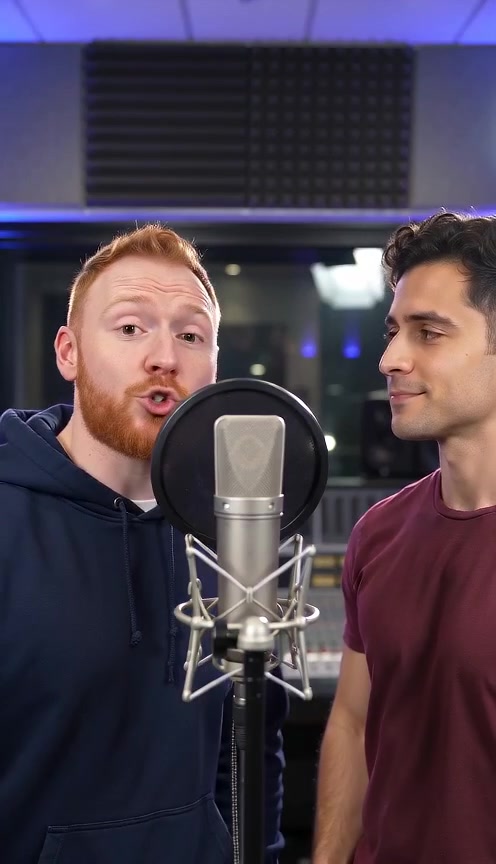
Style inspiration · reference clips
Create in your browser · Choose your style · Keep your creations together
What you can make
AI RAP VIDEO is a photo-based studio for personalized rap shorts. Use two separate portraits or one photo of both people, then choose the setting for your duo.
Make it about a birthday, an anniversary, or a memory you share. A name and one specific detail give your topic more direction than a general request to make something funny.
This studio starts from photos and a topic. It does not upload an existing song or edit a full-length music video. Choose from the models and short-video specifications shown in the creator.
Make my rap video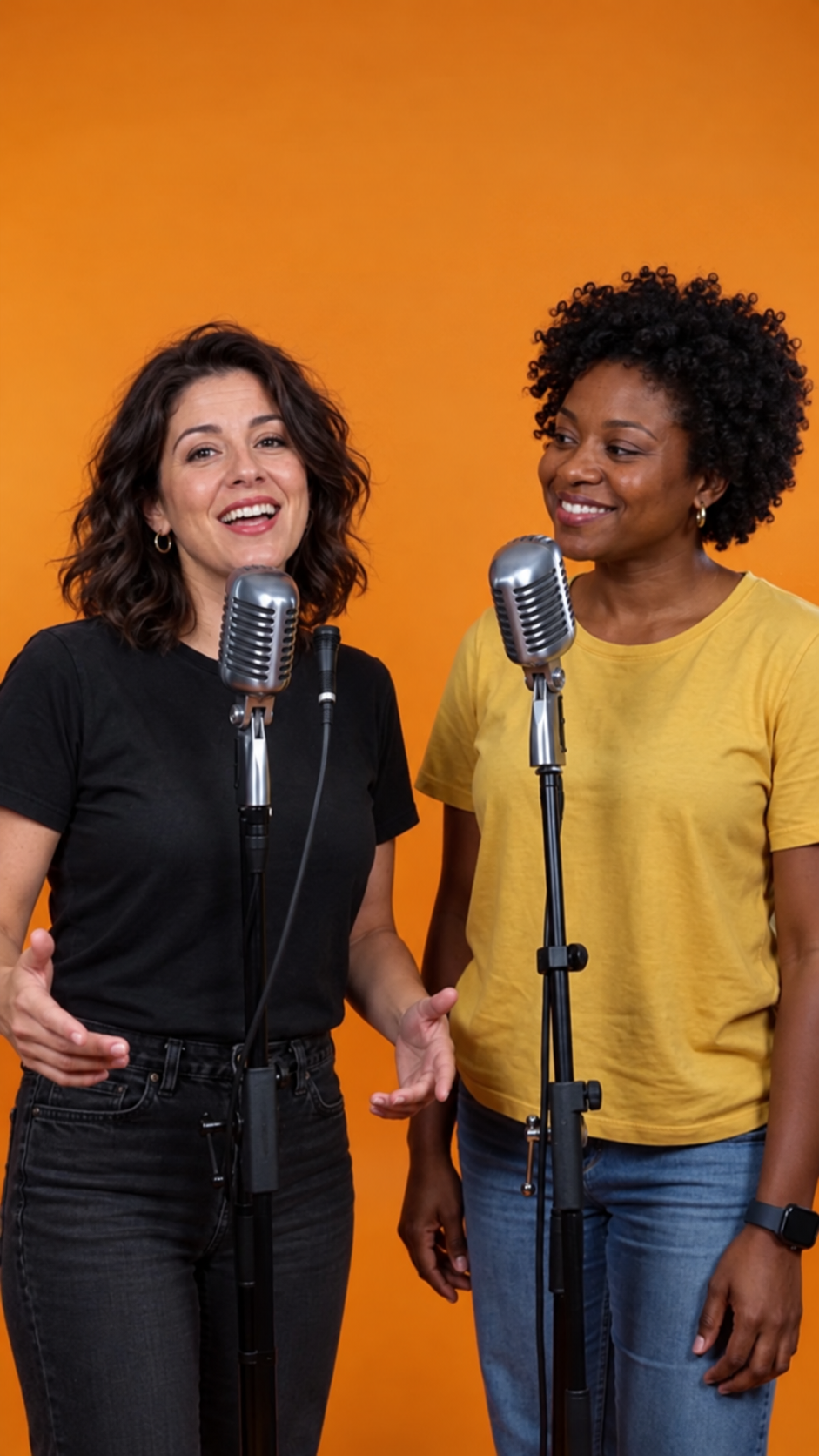 AI RAP VIDEO
How it works
Prepare your photos and a short topic. The studio brings the choices together in one place.
Choose two clear portraits or one photo of both people. Use photos you have permission to upload, with each face visible.
Pick a stage, model, length and format. Add names or an occasion if you want a personal theme, then review the credit quote.
Submit your request and follow its progress in My videos. Watch and download the result once generation and review are complete.
Give your video a topic
Try: “Maya and Jo, friends since college, still arguing about who makes the best road-trip playlist.”
Try: “Sam and Riley, five years together, a rainy first date and a shared love of terrible movies.”
Try: “Alex turns 30, never misses a basketball game, and always brings the birthday cake.”
Pick two willing friends and one harmless running joke. Keep it short enough to explain without the whole chat history.
Guides
Practical help with photos, personal topics, credits and video results.
The generator quotes credits for your model, resolution and duration. Buy additional credit packs to top up your balance; model availability is shown in the generator.
Why AI RAP VIDEO
Follow task progress and return to completed results in My videos.
Creating on a computer? Open the phone-upload option and scan the QR code to send your photos.
Select an available aspect ratio, length and resolution before generating.
When your result is ready, use its phone-download QR code to open the download on your mobile browser.
Changing a model or specification can change the quote. Review the total before submitting.
Give the video a name, occasion and one memorable detail. You do not need a finished song to start.
FAQ
AI RAP VIDEO is an online studio for making personalized rap shorts from photos. Add photos of two people, choose a stage and enter an optional topic such as a birthday or a shared memory. It is a short-video creator, not an editor for a full-length song.
How to Make an AI Rap Video from PhotosYes. In Rap video mode, choose Two photos for one portrait per person, or One photo of both for a shared picture. Follow the upload requirements shown for your selected option. Only use photos you have permission to use.
No finished lyrics or voice recording are required in the current rap workflow. You provide photos and, optionally, a topic; the generation request asks for a rap performance with generated audio. Exact wording, pronunciation, likeness and mouth movements can vary, so review the result before sharing.
Yes. Add a name, an occasion and one detail in the topic field. For example: “Alex’s 30th birthday, basketball fan, always brings the cake.” This guides the theme; it is not a guarantee that every word will appear exactly as entered.
Birthday and Friendship AI Rap Video IdeasThe current studio does not accept MP3 or WAV uploads. It starts from your photos and topic rather than an existing song. If you need a video synchronized to a finished recording, choose a workflow that explicitly accepts your audio.
What Can AI RAP VIDEO Do, and When Do You Need Another Editor?Choose clear, well-lit photos with visible faces, preferably facing the camera. Avoid heavy filters and objects covering the eyes or mouth. Photos guide the appearance, but AI can change facial details, expressions and movement; an exact likeness is not guaranteed.
How to Choose Photos for an AI Rap VideoChoose a model, resolution and duration to see the credit cost. One-time packs can be purchased repeatedly; subscriptions provide credits each billing cycle. In credit mode, sufficient credits let you use published models supported by the selected effect. Plan mode also requires the corresponding permissions.
PricingAvailable lengths depend on the selected model and appear in the studio. Processing time varies with the provider, queue and review, so there is no fixed completion time. Follow your task in My videos rather than submitting another request while it is still processing.
Yes. Use the studio in a mobile browser and select 9:16 when offered by your model. On desktop, QR options let you upload photos from your phone and open a ready result’s download on your phone. Sharing to TikTok, Reels or Shorts is a separate step after download.
Confirmed failed tasks follow the credit-return process. A task still waiting for provider confirmation or review is not yet a confirmed failure; check its status in My videos. A completed result that you dislike is different from a technical failure. Contact support if the task status and credit balance do not match.
AI RAP VIDEO
Choose your photos, add a personal topic, and check the available video options before you create.